In the food and beverage industry, speed is not just a convenience it is a financial necessity. A delay of just one second on your website can increase the bounce rate by 20%, directly translating to lost reservations and abandoned online orders. For a high-intent user looking for dinner, any lag is a reason to click back to the competitor next door.
Restaurant website speed optimization is the process of eliminating friction points to ensure instant loading, which is now mandatory for high performance. This is formalized by Google’s Core Web Vitals (CWV), which are strict metrics used to measure user experience and influence search rankings. A slow website is not only costing you sales; it is actively being penalized by Google SEO.
Mastering speed optimization is essential for maximizing ROI across all digital channels, from organic search visibility to paid ad efficiency.
At Popnest Media, our Conversion-Focused Website Design and SEO teams prioritize speed above all else, ensuring our clients pass Core Web Vitals to deliver the fastest, most profitable experience possible.
I. The Core Web Vitals (CWV) Checklist for Restaurants
CWV measures the real-world experience of your users. For restaurants, specific elements are most likely to cause failure.
1. Largest Contentful Paint (LCP)
Measures: How long it takes for the largest image or text block to become visible. Goal: Under 2.5 seconds.
- Restaurant Focus: The LCP is typically your main hero image (food photography) or the sticky “Order Now” CTA button.
- Optimization Action: Ensure the hero image is served from a fast server, is aggressively compressed, and is prioritized (preloaded) over all other assets on the page.
2. First Input Delay (FID)
Measures: The time from when a user first interacts with the site (e.g., tapping the Menu button) to the time the browser can respond. Goal: Under 100 milliseconds.
- Restaurant Focus: FID is often blocked by excessive, unoptimized JavaScript loading in the background, which prevents the browser from processing the user’s tap.
- Optimization Action: Minimize, minify, and defer non-critical JavaScript. Prioritize the code needed to render the header and CTAs first.
3. Cumulative Layout Shift (CLS)
Measures: The unexpected movement of visual elements as the page loads. Goal: Under 0.1.
- Restaurant Focus: The most common CLS failure is caused by third-party widgets (like the online reservation system) or large custom fonts loading late, causing the text or buttons to jump down.
- Optimization Action: Explicitly set the dimensions (height and width) for all image containers and third-party embeds before they load. This reserves the necessary space, preventing content from shifting during render.
II. Image and Asset Optimization (The Biggest Culprit)
For a visually driven business like a restaurant, high-quality images are essential, but they are also the number one cause of slow load times.
1. Compression and Next-Gen Formats
- WebP/AVIF: Convert all photography to modern formats like WebP or AVIF. These formats offer superior compression without sacrificing noticeable visual quality compared to JPEGs or PNGs.
- Aggressive Compression: Use tools to compress images (removing metadata and excessive pixel data) by 20–50% before uploading them to your server.
2. Adaptive Sizing and Lazy Loading
Since most traffic is mobile, your Web Building strategy must adapt image sizes to the viewing device.
- Adaptive Sizing: Use the
srcsetattribute in your HTML to serve a smaller, mobile-optimized version of the image to smartphone users and a larger version to desktop users. - Lazy Loading: Implement lazy loading for all images, photo galleries, and videos that appear below the fold. These assets should only begin loading when the user scrolls near them, prioritizing the visible content.
3. CSS/JavaScript Optimization
- Minification: Strip out all unnecessary characters (comments, white space) from your CSS and JavaScript files to reduce file size.
- Critical CSS: Identify the minimum CSS required to render the content above the fold and inline it directly in the HTML. Load the rest of the CSS asynchronously (deferral).
III. Code and Server Efficiency
Speed is often restricted by your hosting environment and how efficiently your server manages requests.
1. Superior Hosting and CDN
- Fast Hosting: Use a reliable, fast hosting provider optimized for WordPress (or your chosen CMS). Shared hosting is often a bottleneck.
- Content Delivery Network (CDN): Utilize a CDN (like Cloudflare or AWS CloudFront). A CDN hosts your static assets (images, CSS, JS) on global servers, serving them from the closest possible location to the user, dramatically reducing load time.
2. Effective Caching Strategy
Caching saves static copies of your pages, reducing the load on the server for repeat visits.
- Browser Caching: Instruct the user’s browser to store static elements (logos, navigation CSS) locally for future visits, making repeat visits near-instantaneous.
- Server-Side Caching: Use server-level caching tools to store fully rendered versions of your pages, avoiding the need to re-generate the page from the database on every request.
3. Third-Party Script Management
Every tracking code (social media pixels for SMM/PPC retargeting, analytics, chat widgets) adds weight.
- Audit and Defer: Audit all third-party scripts. Remove unnecessary ones and defer the loading of non-critical scripts (e.g., chat widgets, Facebook Pixels) until after the main page content has fully rendered.
IV. Measuring and Maintaining Speed (SEO Integration)
Speed optimization is not a one-time fix; it is an ongoing process measured by industry-standard tools.
1. Key Performance Tools
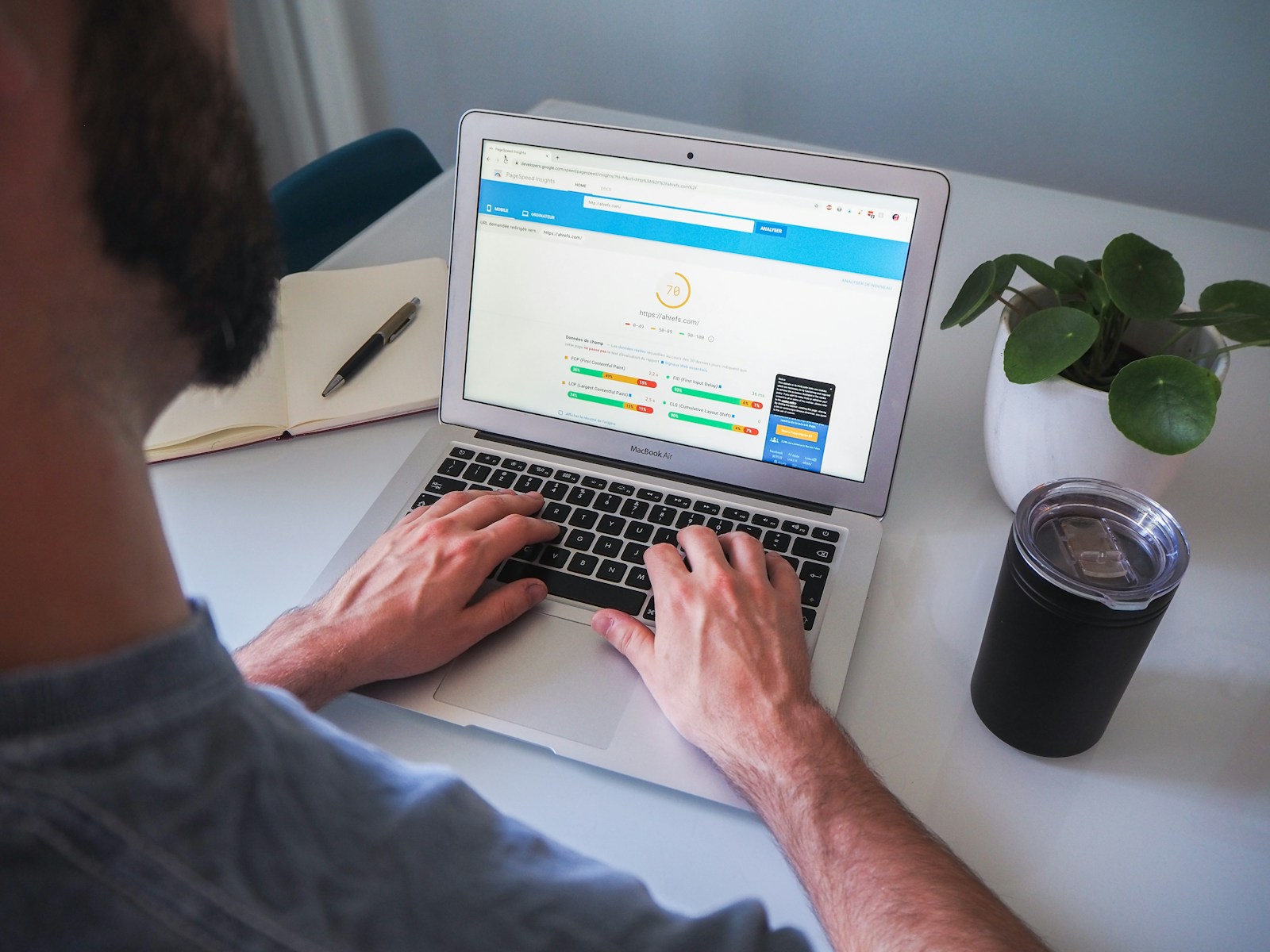
- Google PageSpeed Insights: The definitive tool for identifying CWV failures on mobile and desktop. Focus on the “Opportunities” and “Diagnostics” sections.
- GTmetrix: Provides a detailed waterfall chart showing exactly which assets are taking the longest to load, aiding in precise identification of bottlenecks.
2. Speed Data Integration
Fast website speed is a fundamental booster for your Digital Marketing strategy:
- PPC Quality Score: A faster, more responsive landing page (Pillar 1) directly increases your PPC Quality Score, lowering your cost per click (CPC) and improving ad position for your Meta Ads (PPC) campaigns.
- SMM Conversion: Traffic from Social Media Marketing converts significantly better when the landing page loads instantly, maximizing the return on your social engagement and Video Production assets.
At Popnest Media, we are the experts in high-ROI digital marketing and conversion strategy.
Popnest Media specializes in growing local businesses near you through Conversion-Focused Website Design, expert Video Production, strategic Social Media Management (SMM) services, and high-performance Meta Ads (PPC). We build your digital authority using expert SEO techniques, all centered on maximizing Reputation Management and boosting customer lifetime value in the Montreal, QC, Canada area.
Related Reads and Client Success Stories
Continue building your sustainable digital marketing expertise with these essential guides from Popnest Media:
- Mobile-Friendly Restaurant Websites: Designing for the On-the-Go Diner
- Online Reservation System for Restaurant Websites: Maximizing Bookings and Capacity
- Menu Page Optimization for Restaurants: The Dual Strategy for SEO and Conversion
- LOCAL SEO FOR RESTAURANTS – COMPLETE MONTREAL GUIDE
V. Frequently Asked Questions (FAQs)
Q: Does a sticky “Order Now” button hurt my CLS score?
A: Only if not implemented correctly. If the sticky button’s container is not defined (its space reserved) before the button renders, it can cause the content below it to jump, resulting in a CLS failure. The solution is to ensure the button’s size is pre-set in your CSS to prevent unexpected layout shifts.
Q: How do I choose which JavaScript to defer?
A: Defer non-critical elements. The core elements needed for conversion (header navigation, primary CTAs, basic text) must load first. Anything related to tracking, analytics, social widgets, pop-ups, or non-essential animations should be deferred, ensuring the user can see and interact with the primary content immediately.
Q: Why is my website speed suddenly slow after a software update?
A: This is often caused by an outdated or poorly coded plugin/theme update, which added unoptimized JavaScript or CSS. You should test site performance immediately after every major CMS (e.g., WordPress) or plugin update. A Web Building audit can quickly identify and replace the problematic code.
Q: If my speed score is good on desktop, is it automatically good on mobile?
A: Absolutely not. Mobile connections are slower, and Google is stricter about mobile performance. It is extremely common for sites to score 90+ on desktop but fail the mobile CWV test due to unoptimized image sizing and slow code execution on lower-powered mobile processors. Always optimize and test for mobile first.
Book Your Free Discovery Call Today!
Ready to stop losing revenue to slow load times and implement a robust restaurant website speed optimization strategy that crushes Core Web Vitals? Contact PopNest Media today at +1 213-800-9518, visit us at https://popnestmedia.io, or schedule a call directly for services in the Montreal, QC, Canada area.



