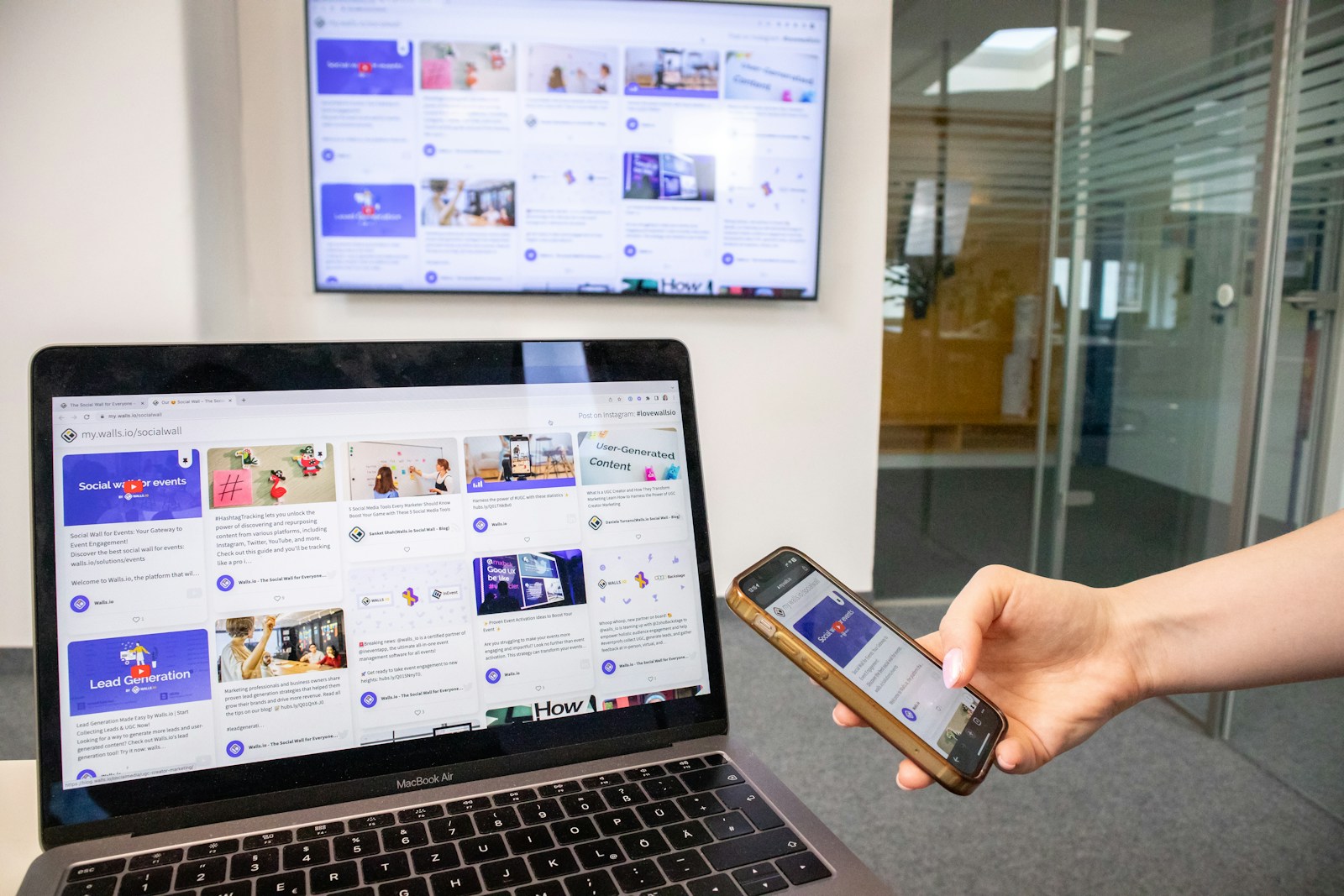
In the digital landscape of today, the size of your website’s audience is literally determined by the size of their screens. From a compact smartwatch to a large 4K monitor, your website needs to be perfectly accessible and fully functional. This necessity is not merely a matter of good user experience (UX); it is now the absolute foundation for success in search engine optimization (SEO) and, more crucially, a non-negotiable requirement for driving conversions.
The solution is responsive design.
Responsive design is the practice of designing and developing a website so that it “responds” to the user’s screen size, orientation, and platform. It uses a combination of fluid grids, flexible images, and CSS media queries to ensure the layout, images, and fonts adapt seamlessly. It is the single most efficient way to maintain one consistent, high-performing site for every device.
If you are a business owner or marketer, understanding the principles of responsive design modern websites is paramount. It’s no longer about whether your site works on mobile—it’s about whether your site thrives on mobile, because mobile is the primary environment in which Google now judges your entire online presence.
1. Why Mobile-First is the Only Strategy for SEO Success
The shift from desktop-first to mobile-first is perhaps the most significant change in how search engines view the web. According to recent data, mobile devices now account for over 50% of global web traffic, with that number dominating even further in organic search. Google hasn’t just noticed this trend; they’ve mandated it.
The Mobile-First Indexing Mandate
As of late 2023, Google has completed its long transition to Mobile-First Indexing (MFI). This means that when Google’s search engine crawler (Googlebot) assesses your website for crawling, indexing, and ranking, it now only uses the content, structure, and speed of your mobile version as the source of truth.
The consequences of neglecting responsive design are severe:
- Content Loss: If your mobile site hides content, images, or important text to “simplify” the layout, Google’s mobile crawler will miss that information, and you will not rank for it.
- Ranking Penalties: A slow, visually unstable, or difficult-to-navigate mobile experience is an automatic signal to Google that your site offers a poor Page Experience, leading to suppressed search visibility.
- Loss of Structured Data: If crucial Schema markup is only present on your desktop version and missing from the mobile version, you will lose eligibility for rich search results (like star ratings or FAQ snippets).
The fundamental goal of responsive design is to serve the exact same HTML code to all devices, adjusting only the visual presentation using CSS. This singular approach ensures Google’s mobile crawler sees the same full, authoritative content as the desktop user, thereby fully optimizing your SEO.
2. The Technical Pillars of Responsive Design
Achieving a high-quality responsive experience requires a deliberate development strategy built on three technical pillars.
A. Fluid Grid Layouts
The key to responsive design is moving away from fixed-width elements measured in pixels ($px$) toward flexible, relative units.
- Percentages ($\%$) and Viewport Units ($vw$, $vh$): Instead of defining a column as “300px,” a responsive design defines it as “33.33%.” This means the column will always take up one-third of the available screen space, whether that space is 400px wide or 2560px wide.
- Flexbox and Grid: Modern CSS layout models like Flexbox and Grid have revolutionized responsive development. They allow developers to easily define a set of rules for how elements should wrap, stack, and align based on the container size, making complex layouts simple to adapt.
B. Flexible Media and Adaptive Images
Images and videos are often the biggest culprit for slow loading times and layout issues on mobile devices. Responsive design modern websites require adaptive media handling.
- CSS
max-width: 100%: A simple yet crucial CSS rule that ensures any image will shrink to fit its containing element, preventing horizontal scrolling on small screens. - The
srcsetAttribute: This HTML feature allows the browser to intelligently select the most appropriately sized image file from a list you provide. The browser avoids downloading a massive 4MB desktop hero image on a mobile phone, thus drastically improving Largest Contentful Paint (LCP) scores. This is a critical factor for page speed.
C. CSS Media Queries (Breakpoints)
Media queries are the core mechanism that allows the site to “respond.” They are conditional rules within your CSS code that apply specific styles only when certain criteria are met, most commonly the screen width.
Example of a simple media query:
CSS
/* Default desktop style: 3 columns */
.container {
 display: flex;
 flex-direction: row;
}
/* Mobile-first breakpoint: styles below 768px */
@media (max-width: 768px) {
 .container {
 /* Change to stacked 1 column */
 flex-direction: column;
 }
}
By using media queries, you can change fonts, hide secondary elements, simplify navigation (e.g., turning a full menu into a “hamburger” icon), or adjust spacing for a better mobile experience.
3. The Responsive-CWV Connection: Speed and Stability
Google’s Core Web Vitals (CWV) are a set of metrics that measure real-world user experience, and they are directly impacted by the quality of your responsive implementation. A poor responsive design will almost certainly fail the CWV assessment.
Largest Contentful Paint (LCP) and Responsive Images
LCP measures the time it takes for the largest visual element on the page (often a large banner image or hero section) to become visible.
- Impact: If your responsive design fails to swap out a huge desktop image for a tiny, optimized mobile version, the download time will be massive. This poor performance will result in a failing LCP score, significantly hurting your SEO ranking.
Cumulative Layout Shift (CLS) and Visual Stability
CLS measures the unexpected movement of page elements while the page is loading. This frustrating experience occurs when elements (like ads, images, or forms) load without reserving space, causing the content already visible to jump around.
- Impact: In a non-responsive or poorly implemented responsive layout, images and dynamic content often load without defined height/width attributes. The browser doesn’t know how much space to reserve, leading to layout shifts that tank your CLS score. Responsive design prevents this by using a consistent, defined structure for all elements across all breakpoints.
Interaction to Next Paint (INP) and Touch Targets
INP measures the overall responsiveness to user input (taps, clicks, key presses).
- Impact: A well-designed responsive website simplifies navigation, uses clear, distinct, and adequately-sized CTA buttons and links (often called “touch targets”) that are easy to tap with a finger. A cluttered or overly complex mobile layout can lead to mis-clicks or slow processing of interactive elements, hurting INP.
4. Design Best Practices for Conversions and Usability
Responsive design isn’t just about making things shrink; it’s about optimizing the user journey for a smaller screen, which is essential for conversion rate optimization (CRO).
- Prioritize Content and Speed: On mobile, screen real estate is precious. Designers must adopt a “content priority” mindset, hiding non-essential widgets or verbose text to bring the most important information (CTAs, Unique Selling Propositions, key product data) immediately to the user’s eye. This boosts engagement and improves LCP.
- Finger-Friendly Touch Targets: A desktop user has a precise mouse cursor; a mobile user has a finger. Ensure all interactive elements—buttons, links, form fields—adhere to standard usability guidelines, typically at least 48×48 pixels in size, with sufficient padding to prevent accidental clicks.
- Simplified, Sticky Navigation: On a phone, the full navigation menu is often condensed into a hamburger menu (a set of three horizontal lines). Furthermore, a sticky footer or floating button containing a key conversion action (like “Call Now” or “Get Quote”) ensures the CTA is always accessible without forcing the user to scroll. This is vital for local businesses focusing on immediate lead generation.
5. The Popnest Media Advantage: Conversion-Focused Web Design
A truly effective responsive design modern websites strategy requires the integration of technical SEO expertise, superior UX design, and conversion optimization know-how. This level of synergy is where most businesses fall short, relying on templates that merely “shrink” rather than strategically “optimize.”
At Popnest Media, we are the experts in high-ROI digital marketing and conversion strategy.
Our approach to web development is inherently mobile-first, ensuring your site doesn’t just pass Google’s tests but actively drives new business. We build responsive sites that are engineered for speed, stability, and superior user interaction across all devices. We handle the complexities of optimizing for Core Web Vitals, utilizing adaptive image techniques, and deploying clean, efficient code so you can focus on running your business.
Popnest Media specializes in growing local businesses near you through Conversion-Focused Website Design, expert Video Production, strategic Social Media Management (SMM) services, and high-performance Meta Ads (PPC). We build your digital authority using expert SEO techniques, all centered on maximizing Reputation Management and boosting customer lifetime value in the Montreal, QC, Canada area.
Our Web Design & Digital Portfolio
| Project Focus | Responsive Strategy Utilized | Core Result |
| Local Service Provider | Mobile-specific CTA Button design, LCP-optimized hero banner, single-column product stacking. | 35% increase in mobile quote requests. |
| E-commerce Platform | Adaptive imagery (srcset) for fast mobile loading, sticky navigation for category access. | Reduced page load time by 42% on 4G networks. |
| B2B Landing Page | Reduced overall element count on mobile, prioritized form visibility above the fold. | Improved form submission rate (INP-friendly) by 21%. |
Related Reads on Popnest Media
- The Beginner’s Guide to Core Web Vitals and Why They Matter for SEO
- How Conversion-Focused Website Design Can Double Your Leads
- The Power of Video Production in Boosting Mobile Engagement
Frequently Asked Questions (FAQs)
Q: Is responsive design the same as a mobile-specific site (m.domain.com)?
A: No. Responsive design uses a single URL and single code base (one set of HTML/CSS) for all devices, simply changing the layout with CSS. Mobile-specific sites use entirely separate code and a different subdomain (like m.popnestmedia.com), which is a dated practice that complicates SEO, requires double the maintenance, and can lead to content duplication issues. Responsive design is the universally recommended approach for responsive design modern websites.
Q: What is the most common responsive design mistake?
A: The most common mistake is failing to optimize images for mobile. Developers will often shrink a large desktop image using CSS but still force the mobile browser to download the full, multi-megabyte file. This results in a fast-loading desktop site and an unacceptably slow mobile site, destroying the Largest Contentful Paint (LCP) score and negatively impacting SEO. Using the HTML srcset attribute is the professional solution.
Q: How can I check if my website is truly responsive?
A: You can use several free tools:
- Google’s Mobile-Friendly Test: A quick check for basic mobile usability.
- Google Search Console: Check the Core Web Vitals report and the Mobile Usability section for in-depth, real-world user data.
- Chrome DevTools: Open your website in Chrome, press F12, and use the “Toggle Device Toolbar” button to simulate various screen sizes and check your breakpoints.
Q: Does responsive design help with accessibility (A11y)?
A: Absolutely. A well-executed responsive design naturally improves accessibility. By ensuring adequate spacing, correctly sized touch targets (buttons), and readable text that reflows gracefully, responsive design makes the site easier to use for everyone, including those with motor or visual impairments.
Ready to Dominate Search and Conversions?
Stop losing valuable mobile traffic and leads due to a slow, clunky website. Partner with the experts who understand how to weave responsive design modern websites seamlessly with high-performance SEO and conversion goals.
Contact Popnest Media today to launch a mobile-first website engineered for growth. Get in touch via phone at +1 213-800-9518, visit us at https://popnestmedia.io, or schedule a call directly for services in the Montreal, QC, Canada area.



