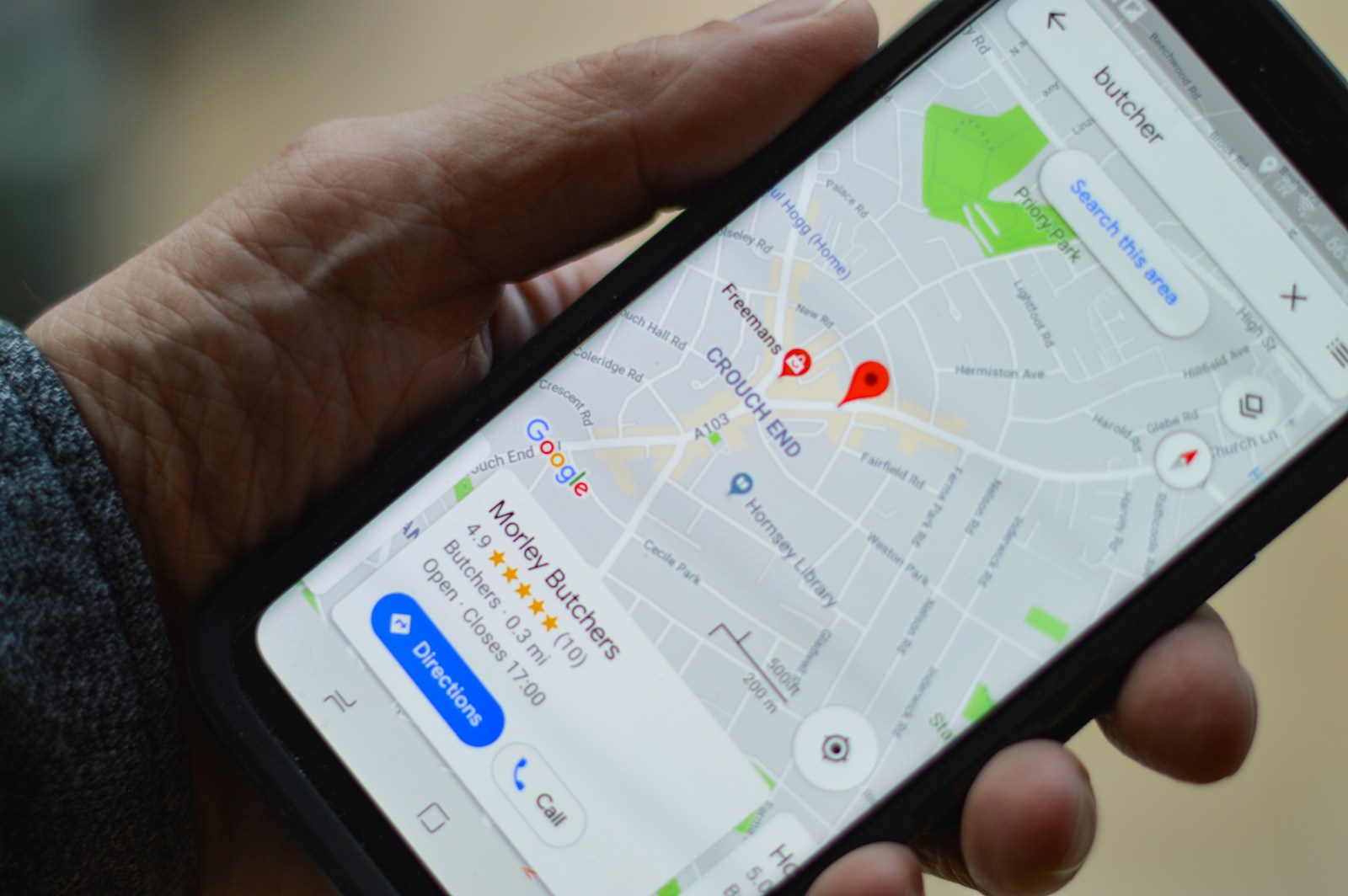
For any restaurant, your Google Business Profile (GBP) formerly Google My Business—is your single most important digital asset. It is your free, 24/7 digital storefront, acting as the primary source of visibility in the Local Pack and the main driver of high-intent searches like “best sushi near me” or “Italian restaurant open now.”
Effective Google Business Profile optimization for restaurants is the difference between being the first option a hungry customer sees and being buried several pages deep. The goal is to provide Google with a complete, accurate, and engaging profile that maximizes your chances of appearing in the top three Map Pack results.
At Popnest Media, our SEO Services team specializes in optimizing local entities. This guide outlines the critical steps every restaurant must take to turn their GBP into a powerful machine for driving reservations and foot traffic across competitive culinary regions like Old Montreal, Plateau Mont-Royal, and Laval.
I. Foundational Optimization: Accuracy and Categories
Google’s ranking algorithm relies on three main factors for local search: Relevance, Distance, and Prominence. A fully optimized GBP maximizes all three.
1. Achieve NAP Consistency
NAP (Name, Address, Phone Number) Consistency is the bedrock of local SEO.
- Action: Ensure your business name, address, and phone number are identical on your GBP, your website (including in your Local Business Schema Markup), and all major directories (Yelp, TripAdvisor). Even minor inconsistencies (e.g., “Street” vs. “St.”) can confuse Google.
- Relevance: Consistent NAP information builds trust and helps Google confidently verify your restaurant’s existence and location.
2. Select the Right Categories (Critical)
The primary category you choose is the single biggest factor determining what searches you appear for.
- Primary Category: Choose the most specific category that defines your restaurant (e.g., “Japanese Restaurant,” not just “Restaurant”).
- Secondary Categories: Use up to nine additional categories to cover all your offerings (e.g., “Sushi Restaurant,” “Takeout Restaurant,” “Cocktail Bar”).
- Action: If you run a pizzeria, make your primary category “Pizza Restaurant,” and secondary categories “Italian Restaurant” and “Delivery Restaurant.”
3. Complete the Attributes Section
Attributes offer detailed information that helps you rank for specific filter searches and conversational queries.
- Action: Select all applicable attributes, such as Accessibility (wheelchair access), Service Options (delivery, takeout, dine-in), Amenities (free Wi-Fi, outdoor seating), and Highlights (Black-owned, women-owned).
- Relevance: Customers frequently filter searches by attributes (e.g., “restaurants with outdoor seating”). Completing this section is essential for visibility in these highly specific, high-intent searches.
II. Engagement Optimization: Photos, Menus, and Posts
Once a customer finds your listing, the goal shifts to engaging them and driving a conversion (a call or a reservation).
1. Maximize Visual Appeal with High-Quality Photos
Photos are the single most engaging element on a GBP.
- Action: Upload high-resolution photos of your food (the most important), your interior/ambiance, and your exterior (which aids local recognition). Ensure your cover photo and logo are professional.
- Owner Uploads vs. Customer Uploads: Prioritize owner-uploaded photos. While customer photos add social proof, they are often lower quality. Our Video Content Producing team can create professional food photography and short videos to maximize appeal.
- GEO-Tagging: While disputed, some find value in ensuring photos are geo-tagged with your restaurant’s location before uploading them to your GBP.
2. Optimize Your Menu and Ordering Links
Your menu is often the last stop before a reservation.
- Dedicated Menu Section: Use the menu editor within your GBP to list key dishes and prices, making it easier for Google to understand your offerings and rank you for dish-specific searches (e.g., “best pasta carbonara”).
- Accurate Links: Ensure the primary Reservation Link and Order Link point directly to your preferred booking or ordering system (OpenTable, Tock, your website’s ordering page).
3. Utilize GBP Posts
GBP Posts are mini-blog posts that appear prominently in your profile, offering high visibility for timely information.
- Action: Post weekly updates about specials, events (e.g., live music, happy hour), new menu items, and COVID/Holiday hours.
- Prominence: Posts offer fresh content, which encourages Google to recrawl your profile, and they are a great way to push calls-to-action (CTAs) like “Book Now” or “View Weekend Special.”
III. Prominence Optimization: Reviews and Q&A
Prominence is determined by the information Google gathers about your business from across the web. Reviews are the most powerful signal.
1. Actively Manage and Solicit Reviews
Review quantity, quality, and velocity are huge ranking factors.
- Action: Implement a system to proactively solicit new Google reviews from happy customers immediately after their meal. Use review generation tools or simple QR codes on receipts.
- Response: Respond to every single review—good and bad. Responding shows Google that you are an engaged, active business owner, and it demonstrates excellent customer service to prospective diners. Use keywords in your responses when appropriate (e.g., “Thank you for saying we have the best Neapolitan pizza in Verdun!”). (See our guide on Getting More Google Reviews Locally).
2. Monitor and Seed the Q&A Section
The Q&A section is often overlooked but can directly answer customer objections and incorporate high-value keywords.
- Action: “Seed” the Q&A section with common questions and authoritative answers (e.g., “Do you offer catering services?” or “Do you have gluten-free options?”).
- Relevance: Use this section to proactively incorporate long-tail, high-intent keywords that customers use in conversational search.
3. Link Building (Authority)
A high-authority website is naturally perceived as more prominent. Acquiring high-quality backlinks from local food blogs, news sites, and local directories is crucial for overall GBP prominence. (See our guide on Local Link Building Strategies for Restaurants).
View our full Client Portfolio and see how we’ve helped restaurants achieve local search dominance and visibility: https://popnestmedia.io/client-portfolio/
See how we translate menu highlights and ambiance into high-performance social content: https://popnestmedia.io/portfolio-social-media-management/
Related Reads and Client Success Stories
Continue building your sustainable digital marketing expertise with these essential guides from Popnest Media:
- The Gold Standard: How to Get Google Reviews Locally for Maximum Business Growth
- Link Building for Small Business: Strategies to Win Against Big Brands
- NAP Consistency: The Ultimate Local Citation Guide for Montreal Businesses
Frequently Asked Questions (FAQs) on Restaurant GBP Optimization
Q1: Can I use keywords in my Google Business Profile Name?
No, you should not. Google guidelines strictly prohibit adding unnecessary keywords or location data to your business name (e.g., “Joe’s Italian Restaurant & Pizza Delivery Montreal”). Only use the name you are legally registered under and use on your signage. Violations can lead to profile suspension and loss of ranking. Use the Categories and Description fields for keywords instead.
Q2: How often should I post updates to my Google Business Profile?
We recommend posting at least once per week. Consistency is key. Weekly posting ensures your profile always looks fresh and active, signals to Google that you are operating normally, and gives you frequent opportunities to promote specials or events using high-visibility CTAs.
Q3: Why is my menu showing up incorrectly on my GBP?
This usually happens because Google is pulling data from a third-party service (like an external online ordering provider or an outdated listing).
- Action: In your GBP dashboard, check the “Info” section for the menu or ordering links. Remove any incorrect third-party links and ensure you manually input your menu or link directly to the correct HTML menu page on your website (built by our Web Design team).
Q4: Does having a low star rating on a competitor’s profile help my ranking?
Not directly. While a low rating on a competitor’s profile might benefit you by driving traffic away from them, Google’s algorithm focuses on your own prominence. Your best strategy is to focus entirely on maximizing your own review quantity and average star rating (aiming for 4.5+), as this is a direct, measurable ranking signal of your business’s quality and trustworthiness.
Q5: How important is the address listing if I’m a ghost kitchen/delivery-only restaurant?
If you are a delivery-only ghost kitchen, you must register as a Service-Area Business (SAB) on your GBP. Do not list a physical address, only your service areas (e.g., “Montreal Island”). This prevents you from showing up for irrelevant dine-in searches while still allowing you to rank for searches within your delivery zone. Correctly setting your service area is critical for your visibility.
Book Your Free Discovery Call Today!
Ready to stop being invisible and start using Google Business Profile optimization to dominate your local restaurant market?



