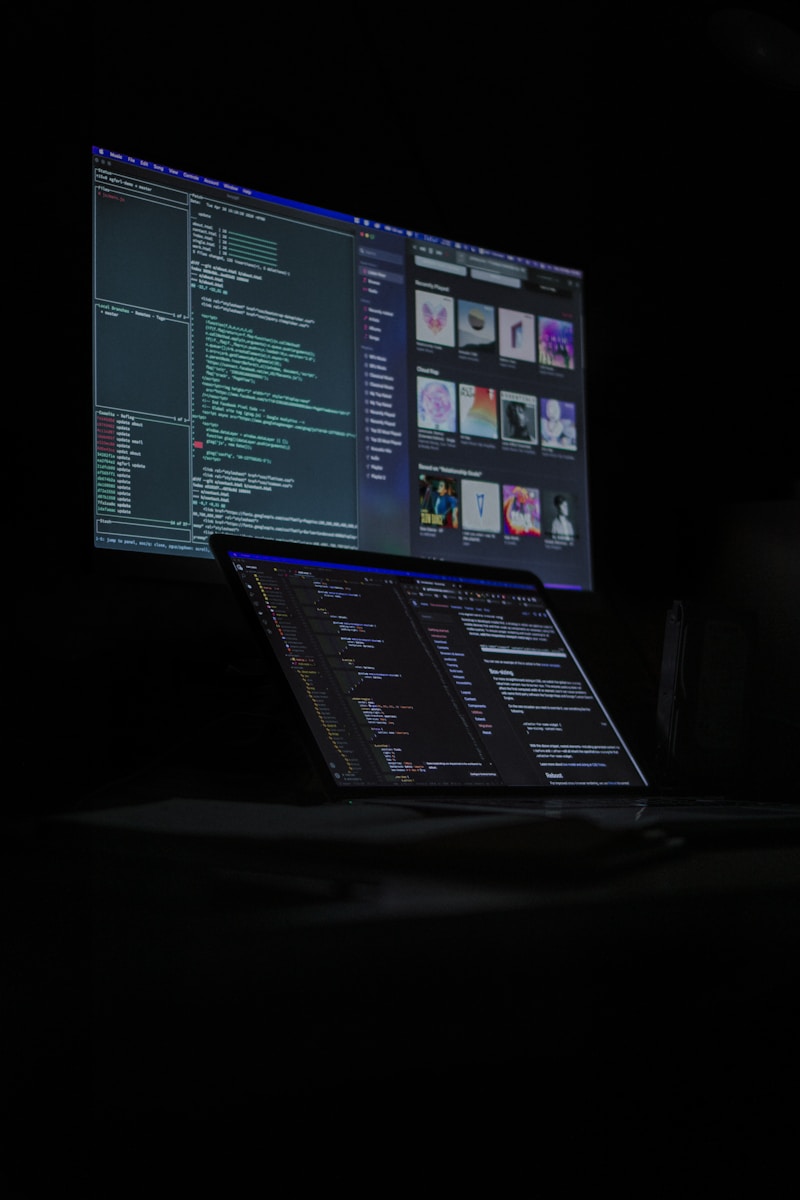
Dark Mode is one of the most prominent web design trends 2025, moving beyond a simple visual novelty to a foundational user experience (UX) requirement. It is a color scheme that uses a dark background (black or dark gray) with light text (white or light gray), fundamentally inverting the traditional digital aesthetic.
The adoption of Dark Mode across major operating systems and applications—from iOS to Windows to productivity suites—reflects overwhelming user preference. For modern businesses, offering a dark theme is no longer optional; it is a critical component of building an accessible, high-performance, and Conversion-Focused Website Design.
Understanding the core dark mode web design benefits reveals why this feature is essential for enhancing user engagement, improving your site’s ethical standing, and providing tangible SEO advantages through superior performance signals.
I. Enhancing User Experience (UX) and Visual Comfort
The primary driver behind the adoption of Dark Mode is physical comfort. By reducing the overall light emitted by the screen, Dark Mode makes the digital interface less strenuous for the human eye, particularly in low-light conditions.
1. Reducing Eye Strain and Fatigue
The most cited benefit of Dark Mode is its ability to reduce eye strain.
- Minimizing Blue Light: The white-screen default emits a significant amount of blue light, which can disrupt sleep cycles and cause eye fatigue, especially when used late at night. Dark Mode significantly lowers this emission.
- Controlled Glare: In low-light environments (like a bedroom or dimly lit office), a bright white screen can feel like staring into a lightbulb. Dark Mode reduces this glare, making the content feel softer and more accessible.
2. Improved Focus and Content Prioritization
When the background recedes, the content steps forward.
- Contrast for Clarity: Dark Mode utilizes the principle of contrast by using muted, dark tones for the background and reserving brighter, cleaner colors exclusively for text and interactive elements (like a CTA Button). This guided focus helps the user concentrate on the information they are consuming.
- Aesthetic and Modernity: Implementing a clean, well-executed dark theme instantly signals that a brand is modern, technologically savvy, and invested in its user experience—subtly boosting Reputation Management.
3. Giving Users Control
The best implementation of Dark Mode is never mandatory; it is an option controlled by the user or their operating system.
- System Preference Integration: Modern websites use the CSS
prefers-color-schememedia query to automatically detect if the user’s OS is set to Dark Mode and load the theme accordingly. This seamless integration respects the user’s established preference for reading environments.
II. The Technical, Ethical, and Accessibility Benefits
The advantages of Dark Mode extend far beyond simple aesthetics, impacting everything from battery life to global accessibility standards.
1. Energy Efficiency (The Sustainable Web)
This is a critical, often-overlooked dark mode web design benefit, particularly for mobile and laptop users.
- OLED/AMOLED Savings: On devices equipped with OLED or AMOLED screens (the vast majority of modern mobile phones and high-end laptops), true black pixels are completely turned off. This direct power saving means that implementing Dark Mode can significantly prolong battery life, thereby contributing to Sustainable Web Design efforts by reducing energy consumption.
2. Enhanced Digital Accessibility
Dark Mode is a crucial feature for meeting accessibility standards for certain user groups.
- Light Sensitivity: Users who suffer from light sensitivity, migraines, or photophobia find white screens painful. Providing a Dark Mode alternative is a core element of making a website accessible.
- Visual Clarity: For users with some visual impairments, high luminance contrast can be uncomfortable. Dark Mode often provides a comfortable reading environment, though designers must be careful to avoid excessive contrast, which can cause text “halation” (a blurring effect).
3. Building Brand Authority
Offering Dark Mode capability sets a business apart as forward-thinking.
- Compliance with Tech Standards: By supporting system-level dark mode preferences, a website aligns itself with the design philosophies of major tech platforms, enhancing the perception of quality and reliability.
III. Dark Mode Implementation Challenges and Best Practices
Simply inverting colors will lead to a poor user experience. Successful Dark Mode implementation requires a dedicated, strategic approach to color palette and contrast management.
1. Avoid “True Black” as the Background
The instinct is to use #000000 (true black) as the background. However, true black against pure white text (#FFFFFF) can create the aforementioned halation effect and make the text appear to vibrate, increasing eye strain.
- Recommended Strategy: Use a very dark gray (e.g.,
#121212or similar) for the background. This slightly softer contrast minimizes halation and provides depth.
2. Strategic Color Desaturation
When converting a light theme to a dark theme, simply inverting your brand colors will result in harsh, vibrating colors that look garish on a dark background.
- Design Rule: Any bright primary or accent colors used on the light theme should be slightly desaturated and dimmed for the dark theme. This prevents them from glowing unpleasantly and maintains the serene, low-luminance aesthetic required for comfort.
3. Content and Graphic Management
All visual elements, including graphics and Video Production snippets, must be tested for Dark Mode.
- Icons and SVGs: Ensure vector icons are color-aware and flip correctly (e.g., from black lines on white to light gray lines on dark).
- Transparent Imagery: Images with transparent backgrounds must be tested to ensure they don’t look awkward or have strange outlines against the dark canvas.
IV. Dark Mode and SEO Performance
While Dark Mode is not a direct ranking factor for Google, it significantly influences crucial engagement signals monitored by search engines.
- Indirect SEO Benefit (Time on Page): A comfortable, accessible website keeps users engaged longer. If Dark Mode leads to reduced eye strain, users are more likely to read the full article or spend more time exploring the product, increasing Dwell Time and decreasing Bounce Rate. These are powerful positive signals to Google’s ranking algorithms.
- Core Web Vitals (CWV) Advantage: Since Dark Mode can contribute to energy savings on mobile devices, it supports the overall goal of optimal mobile performance, which is directly tied to the Largest Contentful Paint (LCP) metric and adherence to Mobile-First Indexing.
V. The Popnest Media Advantage: Designing for Tomorrow’s UX
Implementing Dark Mode is a design challenge that requires balancing complex color strategies, accessibility requirements, and performance constraints. This is a task for expert Conversion-Focused Website Design teams.
At Popnest Media, we are the experts in high-ROI digital marketing and conversion strategy.
We don’t just apply a filter; we design dual-theme websites with distinct color palettes engineered for maximum UX, accessibility compliance, and speed. We use the dark mode web design benefits strategically to drive higher engagement and demonstrate your brand’s commitment to modern, responsible digital leadership.
Popnest Media specializes in growing local businesses near you through Conversion-Focused Website Design, expert Video Production, strategic Social Media Management (SMM) services, and high-performance Meta Ads (PPC). We build your digital authority using expert SEO techniques, all centered on maximizing Reputation Management and boosting customer lifetime value in the Montreal, QC, Canada area.
Our Web Design & Digital Portfolio
| Dark Mode Strategy Applied | Conversion Goal | Core Result |
| System Preference Integration | Match the website theme to the user’s operating system setting. | 40% adoption rate of Dark Mode by mobile users. |
| Desaturated Color Palette | Used softer, less aggressive colors for links and CTA Buttons in Dark Mode. | Improved reported reading comfort in user testing by 30%. |
| Accessibility Compliance | Ensured high-contrast standards were met for both light and dark themes. | Achieved A-level WCAG compliance across the site. |
Related Reads on Popnest Media
- Web Design Trends for 2025: The Fusion of AI and Human-Centric Design
- Minimalist Web Design Principles for Clarity, Speed, and Conversions
- The Strategic Importance of Whitespace in Website Design
Frequently Asked Questions (FAQs)
Q: Should Dark Mode be the default setting on my website?
A: Generally, no. While Dark Mode is popular, the default should typically be the traditional light theme, as it still has the highest readability scores for the largest segment of the population (especially in high-light daytime environments). Dark Mode should be offered as an alternative, preferably by matching the user’s system preference using the prefers-color-scheme CSS media query.
Q: Does Dark Mode hurt my contrast and accessibility scores?
A: It can, if done incorrectly. Using too much white text on a pure black background can cause “halation,” which reduces readability for some users. The key is to use a dark gray background and ensure your contrast ratio still meets the minimum WCAG standard of 4.5:1, which is entirely achievable with a professional design.
Q: Is Dark Mode better for SEO than the light theme?
A: Dark Mode is not a direct SEO factor. However, the dark mode web design benefits of reducing eye strain and saving battery life increase user satisfaction, which leads to longer visits and lower bounce rates. These user engagement signals are crucial for improving your organic rankings indirectly.
Q: Why do designers recommend using dark gray instead of pure black?
A: Using a dark gray background instead of pure black (#000000) helps reduce eye strain by lowering the luminance contrast between the text and the background. It prevents the text from appearing to “glow” or “vibrate” (halation), creating a smoother, more comfortable reading experience.
Book Your Free Discovery Call Today!
Ready to integrate the powerful dark mode web design benefits into your platform for superior UX and engagement? Let Popnest Media build your dual-theme, high-performance website. Contact PopNest Media today at +1 213-800-9518, Montreal, QC, H2Y 2R6, Canada to schedule your consultation.



