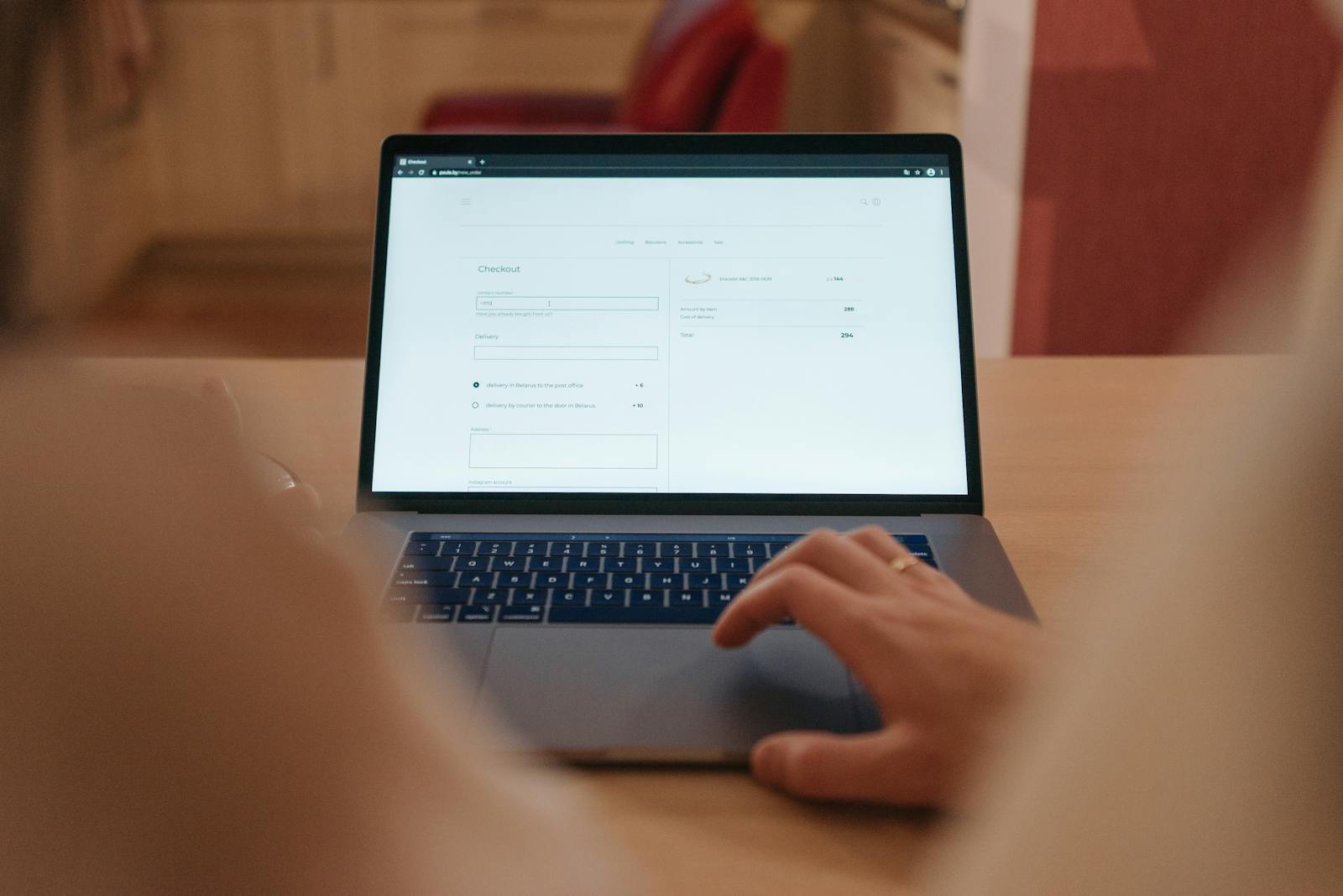
The checkout page is the ultimate culmination of a customer’s journey, and it is the point where anxiety, distraction, and frustration can lead to a sudden and costly departure. Implementing robust checkout page best practices ecommerce is the last, best opportunity to solidify trust, remove friction, and guarantee the conversion.
While shopping cart optimization addresses high-level issues like unexpected costs, the checkout page must focus on the minute details of the payment, security, and information entry process. A poorly designed checkout flow can easily negate excellent work done in SEO, product pages, and cart optimization.
For businesses focused on high-ROI digital marketing, a smooth, secure, and fast checkout process is not just a necessity—it is the signature feature of a world-class Conversion-Focused Website Design.
I. Streamlining the Flow: Focus on Speed and Clarity
The design of the checkout flow should be simple, sequential, and entirely dedicated to moving the customer to the final purchase confirmation.
1. Single-Page vs. Multi-Step Flow
- The Goal: Minimize clicks and the perceived time commitment.
- Best Practice: The trend favors the single-page checkout, where all necessary fields (shipping, billing, payment) are visible on one page. This provides transparency and prevents the user from clicking between steps. If using multiple steps, limit them to three (Shipping $\rightarrow$ Review $\rightarrow$ Payment) and use a clear, unmissable Progress Bar at the top.
2. Mandatory Guest Checkout
This is non-negotiable. Never force a customer to register before buying.
- Best Practice: Offer a clear, prominent “Continue as Guest” option. Prompting for registration should happen only after the purchase, when the customer is happy and has already experienced the value of your product.
3. Clear Navigation and Escape Routes
- Remove Distractions: The checkout page should not have a standard header or sidebar navigation. The only way forward should be the primary CTA Button (“Pay Now”). The only way back should be a simple link to “Return to Cart.”
- Save Information: Use modern features to save the customer’s previous input if they navigate away (e.g., refreshing the page) or use browser auto-fill, reducing the need to re-enter data.
II. Optimizing Form Fields: The Data Entry Barrier
Form fields are where the most friction occurs. Reducing keystrokes and preventing errors are critical checkout page best practices ecommerce.
1. Minimalist and Logical Fields
- Only Ask for What You Need: Eliminate optional fields. Do you need a “fax number” or a “title”? If not, remove it.
- Address Auto-Complete: Integrate features like Google Address Auto-Complete to drastically reduce the typing effort for shipping and billing addresses.
- Field Grouping: Group related fields together (e.g., First Name and Last Name side-by-side; City, State, and Zip Code together).
2. Proactive Validation and Error Correction
Preventing input errors saves time and frustration.
- Inline Validation: Use real-time validation (e.g., checking email format or phone number length) before the customer attempts to submit the form. Display error messages next to the problematic field immediately, not after the final submit click.
- Payment Card Formatting: Automatically format credit card numbers with spaces as the user types, and use iconography to show the card type (Visa, Mastercard, etc.). This acts as both a visual guide and a trust signal.
3. Simplify Billing vs. Shipping
- The Checkbox: Always include a simple, default-checked option: “My Billing Address is the same as my Shipping Address.” This saves customers from typing the same address twice, drastically reducing friction.
III. Security, Trust, and Post-Purchase Confidence
A successful checkout requires the customer to feel completely secure handing over their payment details.
1. Fortifying Trust Signals
- Prominent Security Badges: Display SSL encryption logos, payment processor logos (e.g., Stripe, PayPal), and security certifications (e.g., Norton Secured) directly near the payment section and the final submit button.
- Micro-Copy: Use reassuring micro-copy near sensitive fields, such as “Your data is 100% secure with 256-bit encryption” or “We never store your card details.”
2. Multiple Payment Options
- Diversity is Key: Offer all major credit cards and popular accelerated options like Apple Pay, Google Pay, and PayPal. For applicable products, include Buy Now, Pay Later (BNPL) options like Klarna or Afterpay, which can significantly boost conversion rates.
- Transparency on the Final Button: The final CTA Button should be clear: “Place Order,” “Pay Now,” or “Complete Purchase.” Avoid vague language.
3. Post-Purchase Confirmation Page
The conversion is not truly complete until the customer knows the purchase was successful and what to expect next.
- Clear Confirmation: The thank you page must clearly state “Your Order is Confirmed,” display the order number, and summarize the total cost.
- Next Steps: Provide immediate expectations: “A confirmation email has been sent” and “Tracking information will arrive in 24 hours.” Offer a final, subtle CTA to follow you on Social Media Management (SMM) platforms or sign up for a newsletter.
IV. The Popnest Media Advantage: Engineered for Conversion
Poorly optimized checkout pages are the primary source of missed revenue. At Popnest Media, we approach the checkout process as a precision engineering task, leveraging checkout page best practices ecommerce with continuous testing to create a seamless path to purchase.
At Popnest Media, we are the experts in high-ROI digital marketing and conversion strategy.
We specialize in designing and developing highly optimized e-commerce checkout flows that are fast, accessible, and psychologically reassuring. We analyze your customer data to eliminate specific friction points, ensuring your Conversion-Focused Website Design delivers maximum profit and a perfect finale to the customer journey in the Montreal, QC, Canada area.
Popnest Media specializes in growing local businesses near you through Conversion-Focused Website Design, expert Video Production, strategic Social Media Management (SMM) services, and high-performance Meta Ads (PPC). We build your digital authority using expert SEO techniques, all centered on maximizing Reputation Management and boosting customer lifetime value in the Montreal, QC, Canada area.
Our Web Design & Digital Portfolio
| Optimization Strategy Applied | Conversion Goal | Core Result |
| Inline Validation | Reduce input errors during payment entry. | 30% reduction in form error submissions. |
| Payment Options Diversity | Added Apple Pay and Google Pay accelerated options. | 15% lift in mobile conversion rate. |
| Progress Bar Implementation | Managed user expectations in the multi-step flow. | 8% decrease in abandonment between steps. |
| Minimalist Design | Removed header navigation and unnecessary clutter. | Improved Focus Score in user testing by 25%. |
Related Reads on Popnest Media
- Shopping Cart Optimization for Conversions: The Final Hurdle in E-commerce
- E-commerce Product Page Optimization: Turning Browsers into Buyers
- Restaurant Website Speed Optimization: The Checklist for Core Web Vitals
- Case Studies: https://popnestmedia.io/case-studies/
- Client Portfolio: https://popnestmedia.io/client-portfolio/
Frequently Asked Questions (FAQs)
Q: Does adding “Powered by” logos (Shopify, WooCommerce, etc.) help conversion?
A: Yes, including familiar platform logos can subtly enhance trust, especially if the customer recognizes a major, secure e-commerce platform. However, the most important logos are those for security (SSL, payment processors) and popular payment methods (Visa, PayPal).
Q: Should I use a Video Production element on the checkout page?
A: Generally, no. The checkout page should be entirely distraction-free. Any video, animation, or heavy element risks increasing load time and diverting attention from the single goal: clicking the final CTA Button. Use Minimalist Web Design Principles here.
Q: How do I handle coupon codes on the checkout page?
A: Keep the coupon code field visible but discreet (often a small, collapsible link). Ensure there are no dead-end error messages for invalid codes. If you offer a promotion, display it clearly at the top of the page (e.g., “Discount applied!”) to prevent the user from leaving to search for a code, which is a major source of abandonment.
Q: Why is the thank you page so important?
A: The thank you page is the last impression. It confirms the purchase, sets expectations for shipping, and provides necessary reassurance. Crucially, it’s the perfect place to subtly prompt the customer to sign up for your loyalty program or newsletter, maximizing customer lifetime value without pressuring them before the sale.
Book Your Free Discovery Call Today!
Ready to master the final step of the customer journey? Let Popnest Media apply the most effective checkout page best practices ecommerce to eliminate friction and secure your sales. Contact PopNest Media today at +1 213-800-9518 to schedule your consultation.



