
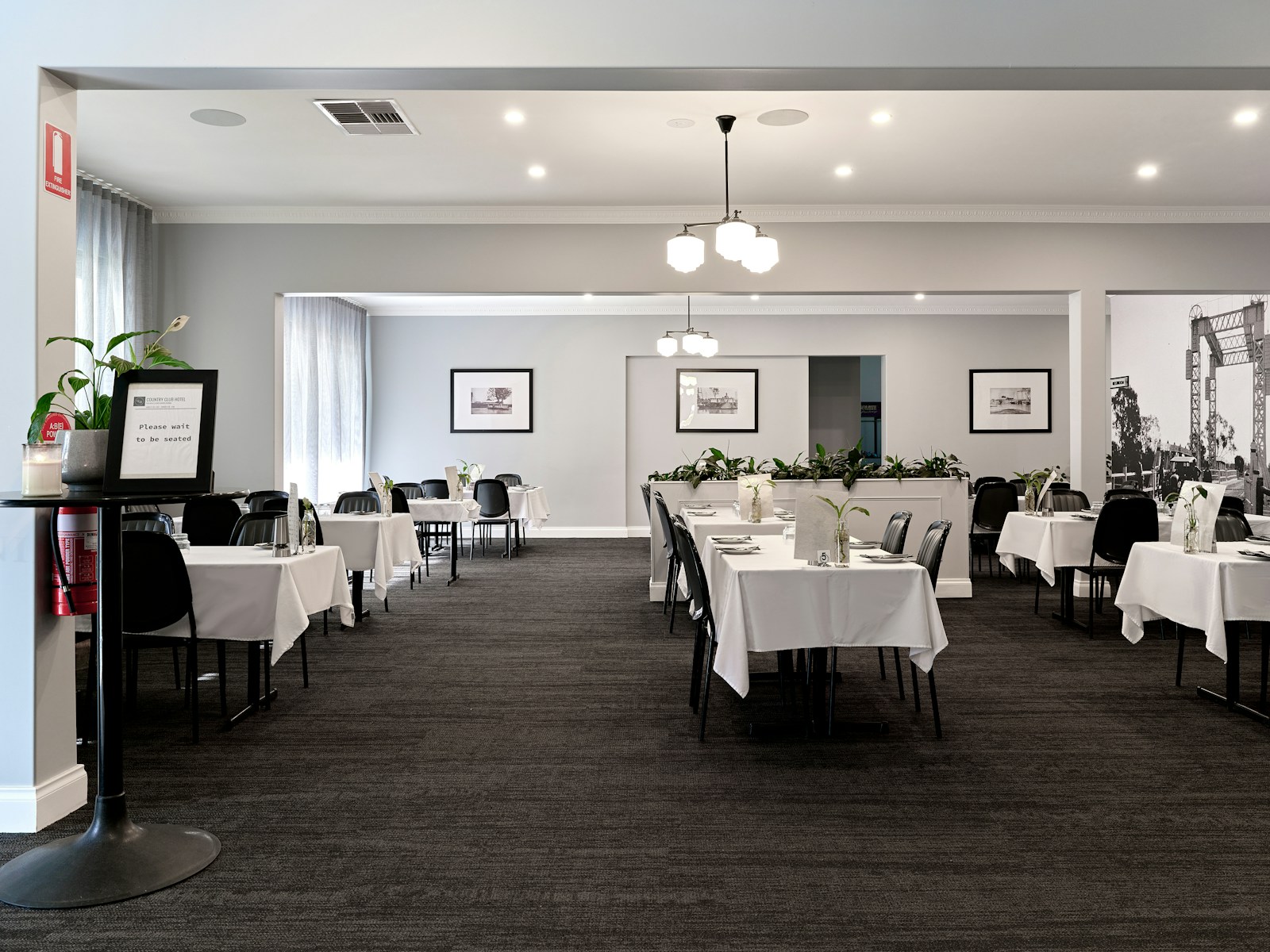
For any food business from a bustling downtown bistro to a quiet local café—your website is not a brochure; it is your digital lobby, reservation desk, and online ordering system all rolled into one. Customers land on your site with high purchase intent, meaning your design must prioritize speed, clarity, and conversion above all else.
The goal of implementing the best restaurant website design practices is simple: to reduce friction between the customer’s craving and the transaction (booking a table or placing an order). Any element that slows down this process a slow-loading image, a buried menu, or a non-mobile-friendly layout—is directly costing your restaurant revenue.
The modern restaurant website must be functional, SEO-optimized, and, most importantly, designed to generate cravings through impeccable visual and user experience (UX) design.
At Popnest Media, we specialize in designing and optimizing digital ecosystems that drive foot traffic and increase online revenue for the hospitality sector.
I. The Hierarchy of Conversion (The 3 Cs)
When a user lands on your restaurant website, they have three non-negotiable questions that must be answered above the fold (before they scroll). This is the foundation of high-converting design.
1. Call-to-Action (The Transaction)
Your transaction buttons must be the most prominent visual elements.
- Sticky CTAs: Implement “Reserve Now” and “Order Online” buttons that remain visible and static, even as the user scrolls down the page. Use high-contrast colors (e.g., green, orange) that stand out against your brand palette.
- Clear Labeling: Do not use vague terms. Use direct, action-oriented language: “Book Your Table,” “Order Delivery,” or “Pickup Now.”
2. Cravings (The Visual Hook)
The design must appeal directly to the user’s hunger impulse within the first two seconds.
- High-Resolution Food Photography: Use professional, high-quality images of your signature dishes. These images should be the main hero banner on your homepage.
- Video Content (Background Loop): A short, muted background video loop showcasing ambiance, staff preparing food, or sizzling dishes is incredibly effective at setting the tone and increasing the impulse buy factor.
- Aesthetic Alignment: The visual design (fonts, color palette, image filtering) must immediately reflect the restaurant’s price point and ambiance (e.g., fine dining requires elegance; casual dining needs warmth).
3. Contact & Location (The Urgency)
If the user is ready to visit, they need information instantly.
- NAP (Name, Address, Phone): Clearly display your physical address (linked to Google Maps) and phone number (clickable) in the header or footer.
- Hours of Operation: Display current operating hours prominently, especially on mobile. If you are closed, the website should clearly state when you open next.
II. Menu UX: The Single Most Important Page
The Menu page is the final decision point before a reservation or order. Its design is paramount to preventing user drop-off.
1. The Death of the PDF Menu (Non-Negotiable)
Never link to a PDF menu. PDFs are the single biggest UX killer for restaurants:
- They are terrible on mobile (pinching and zooming required).
- They are inaccessible (bad for screen readers).
- They are terrible for SEO (Google cannot read the content).
- They cannot be easily updated.
Solution: The menu must be built as a standard, navigable HTML page within your site structure.
2. Aesthetic and Functional Layout
- Clear Categorization: Use anchor links or tabs to allow users to jump easily between sections (Appetizers, Salads, Mains, Desserts, Cocktails).
- Detailed Descriptions: Use evocative, short descriptions that emphasize origin or preparation (e.g., “Slow-braised short rib finished with a reduction of Merlot and thyme” vs. “Beef and wine sauce”).
- Allergy & Dietary Labels: Clearly mark dishes that are Vegetarian (V), Vegan (VG), Gluten-Free (GF), or contain major allergens. This is a crucial trust signal.
3. Seamless Pricing and Ordering Integration
Pricing must be transparent and clearly displayed next to the item. If the item is sold out for the day, the listing should be grayed out or feature an “Out of Stock” badge rather than being removed entirely. The menu should have embedded “Add to Cart” buttons if you handle proprietary online ordering.
III. Technical and Mobile Optimization
In 2026, over 70% of restaurant website traffic is mobile. Your site must load instantly and be perfectly usable on a small screen.
1. Mobile-First Responsiveness
- Testing: Every single element, from the reservation widget to the photo gallery, must be tested on a small screen.
- Large Click Targets: Buttons and navigation links must be large enough to be easily tapped with a thumb.
2. Website Load Speed
Restaurant sites are often guilty of slow loading due to massive image files.
- Optimize Images: Compress all photography before uploading. Use modern formats like WebP.
- Leverage Lazy Loading: Ensure images further down the page only load as the user scrolls to them, prioritizing the immediate loading of the CTAs and hero section. The goal is a load time under 3 seconds.
3. Local SEO and Schema Markup
To rank highly for searches like “best pasta near me,” Google needs structured data:
- Schema Markup: Implement Restaurant Schema Markup to tell Google explicitly what your business is, your location, your opening hours, and your menu.
- Optimized NAP: Ensure your Name, Address, and Phone Number are identical across your website, Google Business Profile (GBP), and all social profiles for optimal local SEO performance.
IV. Driving Reservations and Orders (Integration)
A beautiful website that doesn’t convert is just expensive art. The integration of reservation and ordering systems must be seamless.
1. Integration Strategy
- Native Embedding: Where possible, embed the reservation widget (OpenTable, Resy, Tock) directly onto your homepage or a dedicated page, rather than linking out to a third-party site. This keeps the user on your domain and reduces abandonment risk.
- Online Ordering: If using a third-party platform (UberEats, DoorDash), make the link prominent but ensure your own proprietary ordering system (if available) is the primary option, as this maximizes profit margins.
2. Exit Intent and Pop-Ups (Use Sparingly)
Use a subtle, mobile-friendly pop-up only for high-value actions:
- Email Capture: Offer a small incentive (e.g., “Sign up for our newsletter for a free dessert on your next visit”).
- Feedback: An exit-intent survey asking, “Did you find what you were looking for?” can capture friction points you didn’t know existed.
At Popnest Media, we are the experts in high-ROI digital marketing and conversion strategy.
Popnest Media specializes in growing local businesses near you through Conversion-Focused Website Design, expert Video Production, strategic Social Media Management (SMM) services, and high-performance Meta Ads (PPC). We build your digital authority using expert SEO techniques, all centered on maximizing Reputation Management and boosting customer lifetime value in the Montreal, QC, Canada area.
Related Reads and Client Success Stories
Continue building your sustainable digital marketing expertise with these essential guides from Popnest Media:
- Social Media Content Calendar for Restaurants: The 4-Week Blueprint
- Behind-the-Scenes Content Ideas for Business: The Authenticity Advantage
- How to Engage with Followers on Social Media: The Reciprocity Strategy
- Optimize Your Facebook Business Page Setup for SEO and Sales
V. Frequently Asked Questions (FAQs)
Q: Should I use a template, or custom design my restaurant website?
A: Use a platform that prioritizes speed and integration. While custom design offers flexibility, modern platforms (like specialized restaurant website builders or highly optimized WordPress themes) offer reliable load speed and native integration with key reservation and ordering systems (OpenTable, etc.) right out of the box, saving development time and cost.
Q: Why is mobile optimization more important for restaurants than other businesses?
A: Restaurant customers often search on the move—walking, driving, or sitting in another venue planning their next meal. They need immediate access to the address, hours, and the reservation button. If they have to zoom or wait for a slow load, they will immediately switch to the next restaurant in the search results.
Q: How often should I update my food photography?
A: At least annually, or whenever you introduce a major seasonal menu change. Photography is your primary conversion tool. Old, dated, or poor-quality photos create mistrust and reduce the “cravings” impulse, directly impacting your reservation rate. Treat photography as an essential operational cost, not a one-time investment.
Q: Is it okay to use my brand colors if they are low contrast?
A: No. While brand consistency is important, accessibility and conversion take priority. If your primary brand colors (e.g., dark blue on light blue) have low contrast, use them for background elements, but ensure your CTAs (buttons) and all text comply with accessibility standards (WCAG 2.1) for color contrast. High contrast is non-negotiable for CTAs.
Book Your Free Discovery Call Today!
Ready to stop losing bookings to slow loading times and implement the best restaurant website design practices that prioritize reservations and orders? Contact PopNest Media today at +1 213-800-9518, visit us at https://popnestmedia.io, or schedule a call directly for services in the Montreal, QC, Canada area.


