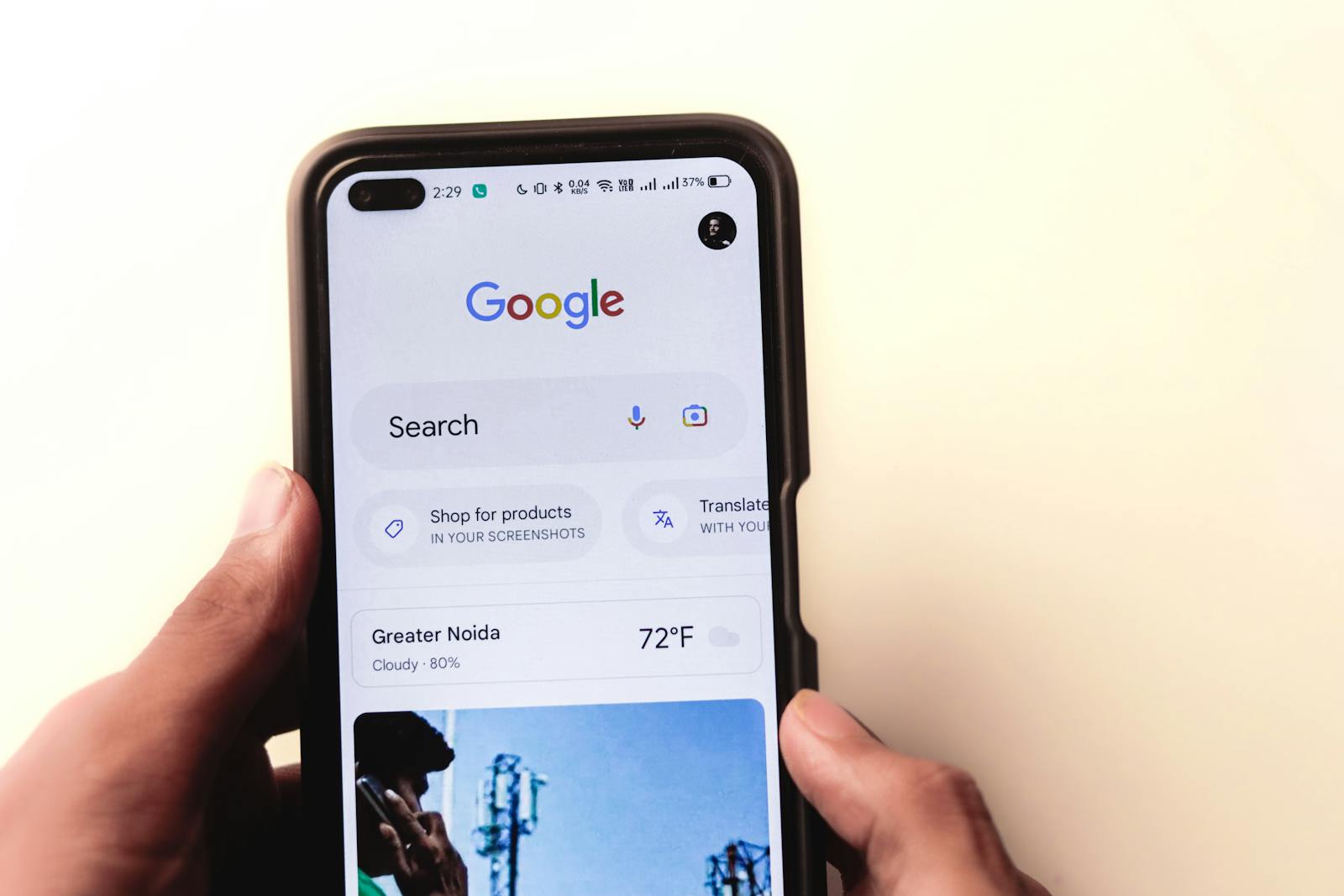
For local businesses, the mobile experience is no longer a secondary consideration—it is the primary ranking factor and the central gateway to your customer base. Mobile devices drive the vast majority of local search queries, with users looking for immediate answers, directions, or contact information.
Since Google moved to Mobile-First Indexing, your mobile site’s content, speed, and usability determine your rankings on all devices (desktop included). Failing to prioritize mobile SEO optimization for local business is the fastest way to lose market share in competitive areas like Brossard, Laval, and the South Shore.
At Popnest Media, our Web Design and SEO Services teams approach every project with a mobile-first strategy. This checklist outlines the essential mobile-first design edits and optimization tactics required to maximize your visibility and conversion rates.
I. Mobile-First Indexing: The Foundational Requirement
The mobile version of your website is what Google uses to crawl, index, and rank your pages. If content or structured data is missing from the mobile version, Google won’t index it—even if it’s on your desktop site.
| Focus Area | Mobile SEO Optimization Action | Popnest Media Service |
| 1. Responsive Design | Ensure your site uses a Responsive Web Design—a single codebase that fluidly adapts to any screen size. This is Google’s preferred method for seamless indexing. | Web Design |
| 2. Content Parity | The primary text, images, videos, and internal links on your mobile site must be equivalent to the desktop version. Do not hide essential content on mobile. | SEO Services |
| 3. Structured Data Consistency | Ensure all Schema Markup (especially Local Business, FAQ, and Review Schema) is present, identical, and correctly implemented on the mobile version. | SEO Services |
| 4. Metadata Uniformity | Your <title> tags and <meta description> tags must be consistent across mobile and desktop. They are the first thing Google (and the user) sees. | SEO Services |
| 5. Intrusive Pop-Ups | Avoid large, intrusive interstitials (pop-ups) that block content on mobile. Google penalizes sites that impede user access, especially on smaller screens. | Web Design (UX Compliance) |
II. Mobile Speed: The Conversion Multiplier
Mobile users expect instant results. A one-second delay in mobile load time can increase your bounce rate by over 30%. Speed is directly tied to Google’s Core Web Vitals (CWV) and is one of the most critical factors for local mobile rankings.
| Core Web Vitals Metric | Mobile Speed Optimization Tactic | Why It Matters for Local SEO |
| Largest Contentful Paint (LCP) | Prioritize above-the-fold content. Compress all images to WebP format, implement lazy loading for images below the fold, and optimize your server response time. | Slow LCP causes users to abandon the site before finding contact info, severely impacting lead generation. |
| Interaction to Next Paint (INP) | Minimize heavy JavaScript (JS). Defer the loading of non-critical JS and CSS files until after the main content is visible and interactive. | High INP frustrates users trying to click a “Call Now” button, leading to immediate exit and lost calls. |
| Cumulative Layout Shift (CLS) | Reserve space for all elements. Set explicit height and width attributes for all images, videos, and ad slots to prevent content from jumping while loading. | Unstable layouts confuse users and often cause mis-clicks, resulting in lost conversions and poor user experience. |
III. User Experience (UX) & Conversion Optimization
The ultimate goal of mobile SEO optimization is to facilitate a quick, easy conversion for the user who is often searching “on-the-go.”
1. Thumb-Friendly Design (Mobile-First Edits)
- Touch Targets: Ensure all buttons, links, and forms are large enough (at least $48 \times 48$ pixels) and sufficiently spaced for a user to tap them with a thumb without accidentally hitting adjacent elements.
- Simplified Navigation: Use a clear, intuitive hamburger menu or a tab bar for essential navigation. Limit the menu options to the most crucial pages.
- Readability: Use large, readable font sizes (at least 16px for body copy) and sufficient white space. Break up content using short paragraphs, bullet points, and clear headings.
2. Hyper-Local Conversion Elements
| Mobile Element | Action for Maximum Local Conversion | Service Integration |
| Click-to-Call | Implement an easily accessible, sticky “Call Now” button at the top or bottom of the screen on all service pages. | Web Design |
| Map Integration | Embed a hyper-local map (using Google Maps) and ensure the address is a clickable link to “Get Directions.” | Web Design & Local SEO |
| Hours & Location | Display current business hours prominently on the homepage and location pages. Ensure NAP consistency with your Google Business Profile (GBP). | SEO Services |
| Form Optimization | Keep mobile contact forms extremely short (3-4 fields maximum) and utilize appropriate input types (e.g., <input type="tel"> for phone numbers). | Web Design |
IV. The Future: Voice Search & Local Signals
The rise of voice search (Siri, Google Assistant) and the need for hyper-local relevance make these advanced tactics critical for 2025 mobile SEO.
1. Optimize for Voice Search
Mobile voice searches are typically longer, more conversational, and question-based (e.g., “What is the best plumber near me that’s open now?”).
- Conversational Keywords: Target long-tail, question-based keywords (e.g., “how much does it cost to fix a leaky faucet in Verdun?”).
- FAQ Content: Create dedicated FAQ pages or sections that directly answer these conversational questions.
- Featured Snippets: Structure your answers concisely to increase the chance of winning the Featured Snippet, which is often used as the direct answer in voice search results.
2. Dominate the Local Pack (GBP)
Your Google Business Profile (GBP) is the single most important factor for local mobile visibility.
- Completeness: Ensure your GBP is 100% complete, including services, hours, photos, and a clear description.
- Reviews: Actively encourage customers to leave reviews, especially from their mobile devices. Respond quickly to all reviews.
- Posts: Use GBP Posts to announce hours, offers, and events. These posts often show up right in the mobile search results, increasing engagement.
Popnest Media’s SEO Services team provides integrated optimization, ensuring your technical mobile health, localized content, and GBP are all working in harmony.
[Related Reads and Client Success Stories]
Continue building your sustainable digital marketing expertise with these essential guides from Popnest Media:
- Technical SEO Basics for Small Business Websites: Your Essential Checklist
- Long-Term SEO Benefits vs Short-Term PPC Gains: The Sustainable Growth Choice
- Local Business Schema Markup Implementation: Elevating Your Montreal SEO Authority
Frequently Asked Questions (FAQs) on Mobile SEO
Q1: Will hiding content behind tabs or accordions hurt my mobile ranking?
No, not anymore. While Google previously penalized desktop sites for hiding content, it understands that mobile screens have limited space. Content placed logically within expandable elements (like tabs or accordions) is treated the same as fully visible content for indexing purposes, provided the content is equivalent to the desktop version. Our Web Design team uses this strategy to keep mobile layouts clean without sacrificing content depth.
Q2: What is the biggest mobile-first design mistake a small business can make?
The biggest mistake is creating a separate, stripped-down mobile site (https://www.google.com/search?q=m.domain.com) that contains less content or fewer features than the main desktop site. Under Mobile-First Indexing, Google will index the limited content of the “m-dot” site, resulting in massive ranking loss for those keywords. Always use responsive design to ensure content parity.
Q3: How do I test my site’s mobile optimization?
You should use two main tools:
- Google’s Mobile-Friendly Test: Quickly verifies if your page is considered “mobile-friendly.”
- Google PageSpeed Insights: Provides a detailed breakdown of your site’s speed metrics (including Core Web Vitals) for mobile devices, offering specific fixes for performance bottlenecks.
Q4: Should I disable certain images or videos on mobile to speed up the site?
You should optimize them, not disable them. Visual content is crucial for both user engagement and Video Content Producing SEO. Instead of disabling, you should:
- Use compressed, modern image formats (WebP).
- Implement lazy loading for all off-screen images/videos.
- Use responsive image tags to serve smaller files to smaller screens.
Q5: How does mobile-first design help with my Google Ads Quality Score?
Google Ads‘ Quality Score heavily factors in the Landing Page Experience. A mobile-first designed page that loads quickly, has clear calls-to-action, and is easy to navigate will receive a high Quality Score. This, in turn, lowers your Cost-Per-Click (CPC) and improves the ROI of your overall combined SEO and PPC strategy.
Book Your Free Discovery Call Today!
Ready to master mobile SEO optimization for local business and capture your customers wherever they search?



